
Booking calendar
Book a service review time.
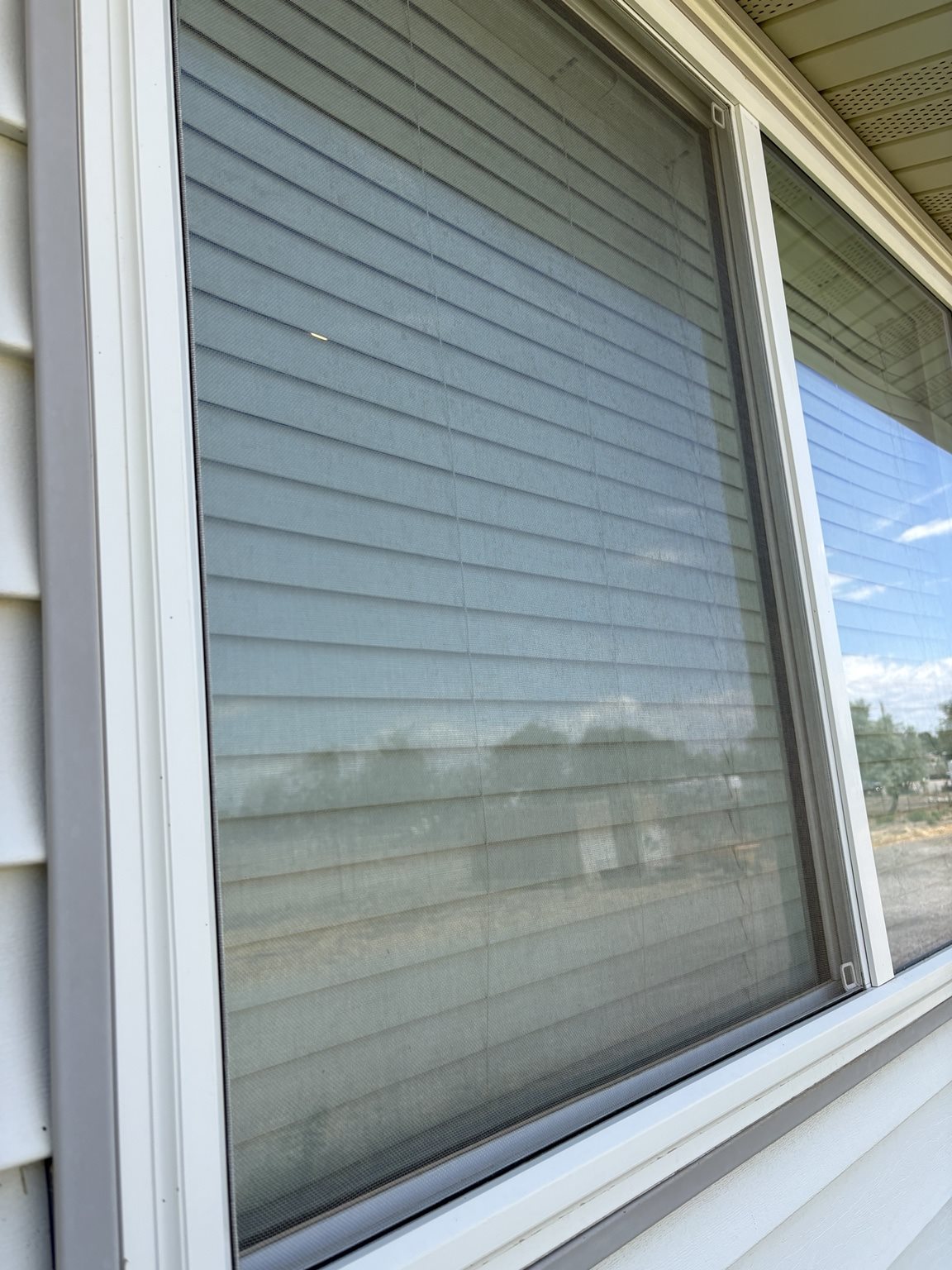
Enter screen count, sizes, material, preferred day/time, and contact details. We confirm the final quote before work starts.
Pricing: fiberglass $14.99 per screen, stainless steel $18.99 per screen. $20 booking deposit applied toward the final invoice.
What happens next
Submit → pay the $20 deposit → we confirm.
- Fill out the booking form and submit.
- You’re routed to a secure Stripe page to leave the $20 booking deposit. The deposit is applied to your final invoice.
- ClearView confirms your time and material by phone or email within 1 business day.
Prefer to pay over the phone instead? Call (208) 544-3138 after submitting and we’ll take care of it.